
Unlimited Digital Marketing Blog
Make the most of your subscription with these helpful tips and resources, while unlocking the potential of digital marketing to gain valuable insights for unlimited growth.
CRM & Contact Management
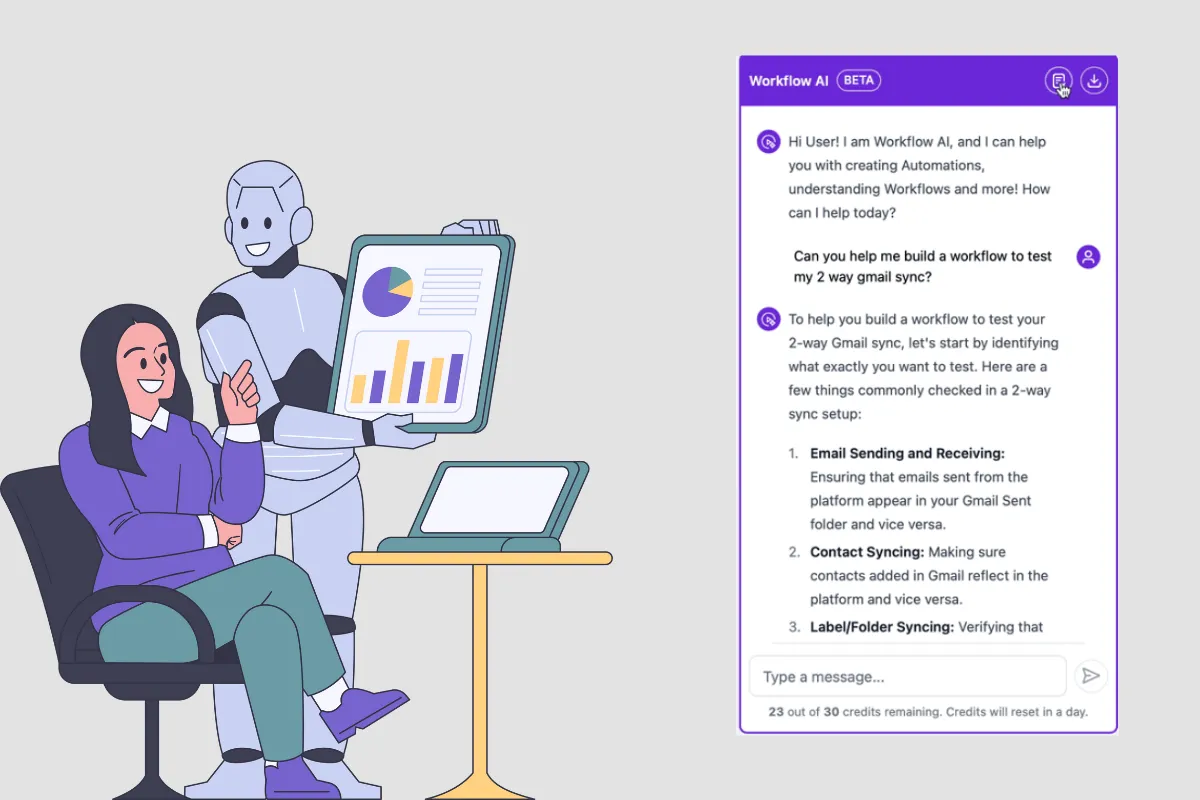
Workflow AI Assistant: How it Works?
What Can Workflow AI Do?
Help you with your first workflow
If you are new to workflows, you can just mention what you want to achieve and Workflow AI will give you the actions and triggers you need to add and help you configure the same. AI Assistant can also explain what are workflows and how to use them.
Break Down Your Workflow
If you're not sure about a specific part of your workflow, just ask. Workflow AI can describe what’s happening, making complex workflows easier to understand.
Make Your Workflows More Efficient
Workflow AI can scan your workflow for potential improvements, offering tips on how to streamline processes and what actions can be added to achieve it.
Step-by-Step Guidance
Need help setting up a workflow? Workflow AI can guide you through the process, explaining each step so you can feel confident in what you’re building.
Answer Questions
Got questions while you’re working on a workflow? You can ask Workflow AI for help with any doubts or queries—whether it’s about specific actions or general best practices.
Add Actions to Your Workflow
It can even help you add specific actions—like sending an SMS reminder, waiting for confirmation, updating an appointment status, or tagging contacts based on activity.
Suggest Next Steps
Not sure what to do next? Workflow AI provides suggestions for the next steps you should take, helping you move forward with confidence.
How To Use Workflow AI
When you open the builder you can find the Workflow AI on the bottom left corner of the builder. After clicking the AI icon, the chat box will open.
There are 3 ways you can chat with Workflow AI:
Analyze Workflow: Click the "Describe this Workflow" button to have Workflow AI analyze your workflow.
Help Building: Click the "Assist with Building" button to get suggestions for your workflow from Workflow AI.
Standard Chat: Start typing in the text box and ask it anything.

Learn More About Workflows
Workflow AI isn't only for helping you build a workflow or analyzing your current workflow structure! You can also learn anything you need to know about workflows by chatting with Workflow AI. If you need to learn more about different actions or triggers, or if you don't even know what an action or a trigger is, you can simply ask Workflow AI.
For Example: In the screenshot below, we asked Workflow AI "What is a trigger" and the answer we received was a detailed explanation what a trigger is with some examples of different workflow triggers.

How to Clear & Start New Chat
If you need to start a new chat with Workflow AI, all you need to do is click the "Clear Chat" button in the top right corner of the Workflow AI chat box. After clicking "Clear Chat", your previous chat will go away and you will be brought back to the first step where you can choose what you'd like Workflow AI to do.

How to Export the Current Chat
If you'd like to export your current chat and keep a record of the conversation, you can simply click the "Export Chat" button to download a copy of the entire conversation.
Note: you can only export the current Chat.

How to Analyze Your Entire Workflow
If you want Workflow AI to analyze your workflow and describe the workflow to you or your team, all you need to do is click the "Describe This Workflow" button.
Workflow AI will give you a detailed overview of your workflow from start to finish, including some details about different steps in the workflow.
This can be incredibly useful in the following situations:
You forget why you built a workflow.
You have new team members that are learning your processes.
When customers want to learn more about a workflow in your snapshot.
and dozens of other situations where learning more about a given workflow will help streamline the education process!

Frequently Asked Questions
Q. Why should I use Workflow AI?
Workflow AI makes building and optimizing workflows much faster and easier. It takes out the guesswork by offering real-time suggestions and making sure your workflows are efficient and error-free.
Q. Can Workflow AI handle complex workflows?
Absolutely! Workflow AI is designed to help with both simple and complex workflows. Whether it’s a one-step process or a multi-layered automation, it’s got your back.
Q. How do I add an action in my workflow?
Workflow AI will suggest actions based on what you’re building. Just click the + button next to the action (like sending an SMS or updating a status), and it’ll be added to your workflow.
Q. Can I keep a record of my chat with Workflow AI?
Yes! Just click on the Export Chat button to download a copy of the conversation, so you can refer to it whenever you need.
Q. Is Workflow AI available for everyone?
Yes, as long as you have access to workflows, you can use Workflow AI.
